What are the best CRM systems for SMBs in 2026?

TL;DR:
- Choosing the right CRM is crucial for SMBs, as it centralises customer data and streamlines sales workflows effectively. Apptivo, Zoho Bigin, and HubSpot Smart CRM are top options, each suited to different budget, scale, and setup needs. Focus on ease of adoption, realistic costs, and aligning features with your sales process to ensure long-term success.
Customer relationship management (CRM) software is defined as a platform that centralises customer data, automates sales processes, and supports team collaboration across your entire organisation. For small to mid-sized businesses, choosing the right CRM is one of the most consequential technology decisions you will make. The best CRM systems currently recommended for SMBs include Apptivo, Zoho Bigin, HubSpot Smart CRM, Pipedrive, Salesforce Starter Suite, SugarCRM, and Freshsales. Each serves a different combination of budget, team size, and sales complexity. This guide breaks down which platforms lead the field, what they cost, which features matter most, and how to choose with confidence.
What are the best CRM systems for small to mid-sized businesses?
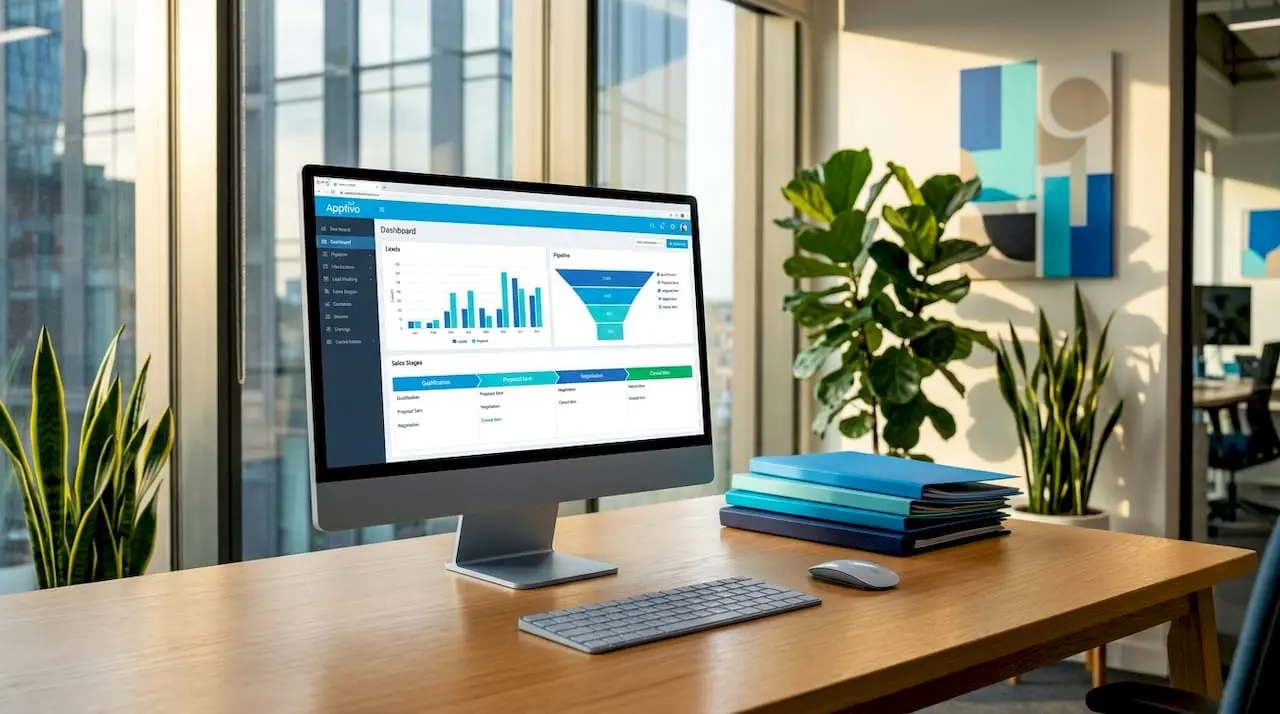
The best CRM for SMBs is Apptivo, which PCMag named its Editors’ Choice for 2026 due to its flexibility and detailed lead profiles. Apptivo allows businesses to build rich customer records, track leads across multiple pipelines, and adapt the platform to diverse workflows without requiring a developer. That combination of depth and configurability is rare at its price point.
Zoho Bigin earns the top spot specifically for small businesses because of its flexible dashboards and extensive third-party integrations. It connects natively with Google Workspace, Microsoft 365, and Zapier, and its setup process demands minimal IT involvement. For a business owner who needs a working CRM within a day, Bigin is the most practical starting point.
HubSpot Smart CRM stands out for its onboarding experience. The free tier includes contact management, deal tracking, and email tools, making it one of the most accessible free platforms for businesses that are not yet ready to commit to a paid subscription. Pipedrive, Salesforce Starter Suite, SugarCRM, and Freshsales round out the top tier, each with distinct strengths in pipeline visualisation, enterprise scalability, open customisation, and AI-assisted selling respectively.
- Apptivo: Best overall for SMB flexibility and lead management depth
- Zoho Bigin: Best for small businesses prioritising ease of setup and integrations
- HubSpot Smart CRM: Best free entry point with strong onboarding
- Pipedrive: Best for sales teams focused on pipeline visibility
- Salesforce Starter Suite: Best for businesses planning rapid growth
- Freshsales: Best for AI-assisted lead scoring and email automation
Pro Tip: Before committing to any platform, map your current sales process on paper first. A CRM that mirrors your existing workflow will be adopted far faster than one that forces your team to change how they work.
How do CRM pricing models affect your budget?
CRM pricing is almost universally structured as a per-user monthly fee, and the gap between entry-level and advanced tiers is significant. Pipedrive’s pricing ranges from $14 to $79 per user per month, and that range does not include add-ons such as LeadBooster, which push the total cost considerably higher. For a team of ten, a mid-tier Pipedrive plan with two add-ons can cost more annually than many businesses initially budget.
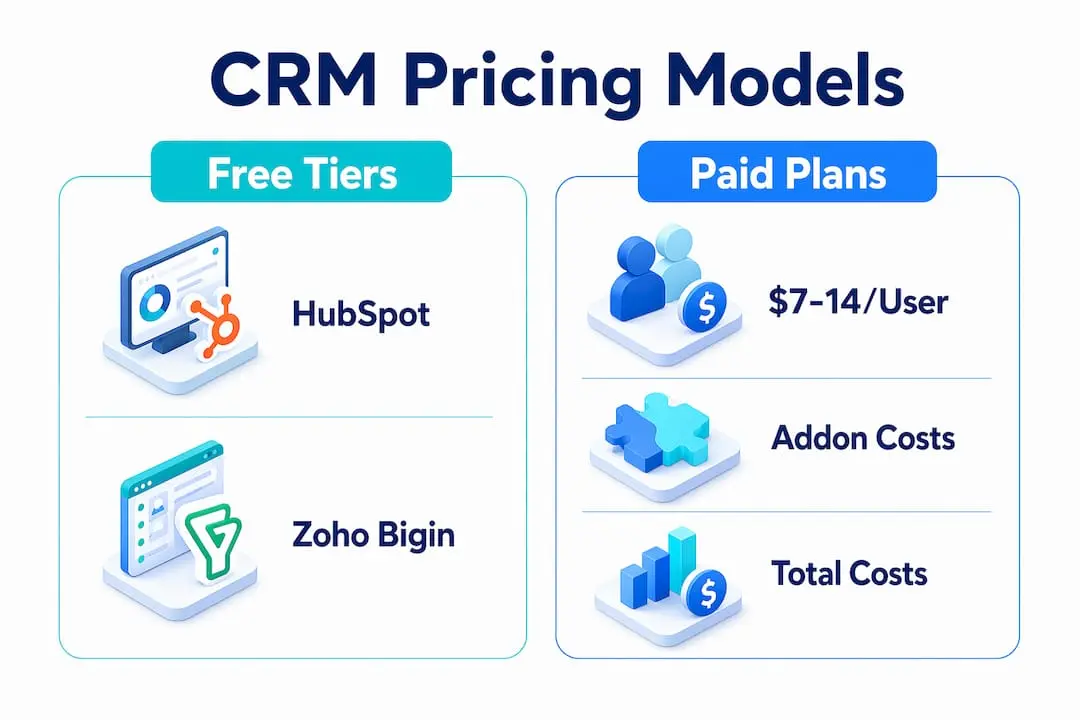
The table below compares the pricing landscape across the most widely used SMB CRM platforms:
| Platform | Free tier | Paid entry price (per user/month) | Notable add-on costs |
|---|---|---|---|
| HubSpot Smart CRM | Yes | From approx. $15 | Marketing Hub, Sales Hub add-ons |
| Zoho Bigin | Yes (limited) | From approx. $7 | Zoho One bundle upsells |
| Pipedrive | No | From $14 | LeadBooster, Web Visitors add-ons |
| Apptivo | Yes (limited) | From approx. $10 | Premium app bundles |
| Salesforce Starter Suite | No | From approx. $25 | Extensive add-on ecosystem |
Downstream costs from add-on modules frequently exceed the base subscription fee, which is the most common budgeting mistake SMBs make. A platform that appears affordable at $14 per user can reach $50 or more once reporting, lead generation, and automation tools are included. The practical advice here is to list the five features your team will use on day one, then price those specifically rather than comparing headline figures.
Free CRM tiers from HubSpot and Zoho Bigin are a viable starting point for businesses with fewer than 15 contacts in active sales cycles. They provide enough functionality to validate whether a CRM fits your workflow before you spend anything. The cost-to-value case for starting free and scaling up is strong, particularly for organisations that have never used a CRM before.
Pro Tip: Calculate your total cost of ownership over 24 months, not just the monthly fee. Include onboarding time, any integrations you need, and the add-ons your sales process actually requires.
Which CRM features matter most for SMB adoption?
The features that determine whether a CRM succeeds or sits unused are not always the most advertised ones. Flexible dashboards and integrations during the first 30 to 90 days critically affect whether your team adopts the platform daily or abandons it. A CRM that your team finds confusing in week two will not improve by week twelve.
The features that consistently drive SMB value are:
- Pipeline management: Visual deal stages that match your actual sales process, not a generic template
- Third-party integrations: Native connections to Google Workspace, Microsoft 365, Zapier, and your email marketing tool
- Automation: Automatic task creation, follow-up reminders, and lead assignment rules that reduce manual data entry
- Reporting and analytics: Dashboards that show conversion rates, deal velocity, and team activity without requiring a data analyst to interpret them
- AI capabilities: Lead scoring and email assistants, available in Freshsales and HubSpot’s paid tiers, that prioritise which contacts deserve attention first
- Mobile access: A functional mobile app for sales teams who work outside the office
SMBs benefit most from CRM solutions that require minimal training and IT resources for smooth adoption. This is why Zoho Bigin consistently outperforms more feature-rich platforms in SMB satisfaction surveys. Its configurability does not require an IT administrator, which means a sales manager can set up the system, train the team, and have live data within a week.
Avoid platforms that require significant configuration before they become useful. If a CRM needs three months of setup before your team can log a deal, the productivity cost outweighs the feature benefit. The best CRM software for your business is the one your team will actually open every morning.
What customisation and implementation factors should you consider?
Customisation is one of the most misunderstood aspects of CRM selection. Many SMBs assume that more customisation equals more value, but open-source CRM platforms require ongoing developer involvement for updates, security patches, and feature additions. That ongoing cost is rarely factored into the initial decision.
SaaS CRM systems provide a better balance between customisation and low maintenance. Platforms like Apptivo, Zoho Bigin, and HubSpot handle updates automatically, offer configurable fields and workflows without code, and provide support teams when something breaks. For most SMBs, this is the correct trade-off.
A practical implementation approach follows these steps:
- Audit your current process. Document every stage of your sales cycle, the data you currently track in spreadsheets, and the handoffs between team members.
- Define your minimum viable CRM. Identify the five to eight fields and two to three workflows that would cover 80% of your daily sales activity.
- Choose a platform that matches that scope. Do not select a platform based on features you might use in two years. Select based on what you need to work well in the next six months.
- Run a structured pilot. Give two to three team members access for two weeks, collect honest feedback, and adjust configuration before rolling out to the full team.
- Schedule a 90-day review. Assess adoption rates, data quality, and whether the CRM is actually reducing admin time or adding to it.
Common onboarding failures stem from importing too much legacy data at once, skipping team training, and failing to assign a single internal owner for CRM quality. Designating one person as the CRM administrator, even part-time, dramatically improves long-term data integrity and team confidence in the system.
How to evaluate and select the right CRM for your business
Selecting a good CRM system comes down to matching the platform to your current reality, not your aspirational future state. The criteria that matter most are business size, budget over 24 months, required integrations, ease of use for non-technical staff, and alignment with your existing sales process.
Choosing a CRM that matches your team’s implementation capacity is more important than selecting the platform with the most features. A ten-person sales team using 40% of a simple CRM will outperform the same team using 10% of a complex one.
Key evaluation steps to follow:
- Trial before you buy. Every major platform offers a free trial. Use it with real data, not demo data.
- Involve your sales team early. The people who will use the CRM daily should have input on the selection. Adoption is far higher when the team feels ownership.
- Test integrations specifically. Connect the CRM to your email tool, calendar, and any existing software during the trial period.
- Assess scalability honestly. If you plan to double your team in 18 months, confirm the pricing and feature set at that scale before committing.
- Read the support terms. Response times and support channel access vary significantly between free and paid tiers.
Pro Tip: Try free or low-cost CRM platforms before scaling to premium services. Starting with HubSpot’s free tier or Zoho Bigin’s entry plan gives you real operational data to justify a larger investment.
Key takeaways
The best CRM system for your SMB is the one your team adopts fully, not the one with the longest feature list.
| Point | Details |
|---|---|
| Top platforms for SMBs | Apptivo, Zoho Bigin, and HubSpot Smart CRM lead expert recommendations for 2026. |
| Pricing requires full scrutiny | Add-on costs frequently exceed base subscription fees; calculate 24-month total cost before deciding. |
| Adoption depends on simplicity | Flexible dashboards and minimal IT requirements in the first 90 days determine long-term CRM success. |
| SaaS beats open-source for most SMBs | SaaS CRMs offer automatic updates and support without ongoing developer costs. |
| Start small, then scale | Beginning with a free or entry-level tier validates fit before committing to premium plans. |
Why I think most SMBs overcomplicate their CRM decision
After working with dozens of small and mid-sized organisations on their technology decisions, the pattern I see most often is this: businesses spend three months evaluating platforms, select the most feature-rich option, and then watch their team revert to spreadsheets within six months. The CRM was not the problem. The implementation approach was.
My honest recommendation is to start with Zoho Bigin or HubSpot’s free tier. Both platforms are genuinely capable for businesses with up to 50 active deals in their pipeline, and both can be configured by a non-technical person in a single afternoon. Understanding what a CRM system is actually used for in your specific context matters far more than comparing feature matrices.
The two mistakes I see most often are ignoring long-term costs and skipping ongoing training. A CRM is not a one-time setup. It requires quarterly reviews, regular data cleaning, and periodic retraining as your team grows and your process evolves. The organisations that get the most value from their CRM are the ones that treat it as a living system, not a software purchase.
If you are evaluating what makes a good CRM for your type of organisation, the criteria for membership-based businesses in particular are worth reading before you finalise your shortlist.
— Rob
See how Colossus handles CRM for growing organisations
Colossus is built specifically for membership-based organisations and associations that need more than a generic sales CRM. Our CRM software combines contact management, pipeline tracking, and member engagement tools within a single platform, so your team is not switching between five different systems to manage relationships.

Colossus integrates CRM with email marketing, event management, and e-commerce in one place, which removes the integration overhead that makes standalone CRM tools expensive to maintain. If your organisation relies on renewals, events, and ongoing member relationships, our full feature set is designed around exactly that workflow. Support is included, setup is guided, and the platform scales as your membership grows.
FAQ
What is the best CRM for small businesses in 2026?
Apptivo is the Editors’ Choice for overall SMB CRM in 2026, while Zoho Bigin leads specifically for small businesses due to its ease of setup and third-party integrations. HubSpot Smart CRM is the strongest free option for businesses just getting started.
What is the best free CRM software available?
HubSpot Smart CRM and Zoho Bigin both offer free tiers that include contact management, deal tracking, and basic automation. Forbes Advisor identifies these as the most capable free platforms for small businesses with limited budgets.
What is the best CRM for sales teams?
Pipedrive is widely regarded as the best CRM for sales-focused teams due to its visual pipeline management and cost-effective pricing compared to HubSpot and Salesforce at equivalent automation feature levels.
How much should a small business expect to pay for a CRM?
Entry-level paid CRM plans start from approximately $7 to $14 per user per month, but add-ons can significantly increase total costs. Pipedrive, for example, ranges from $14 to $79 per user monthly before any add-ons are included.
Is a SaaS CRM better than an open-source CRM for SMBs?
For most SMBs, SaaS CRM platforms are the better choice because they require no developer resources for updates or maintenance. Open-source CRMs offer deeper customisation but demand ongoing technical involvement that most small teams cannot sustain.