What Is a CRM System Used For in Membership Growth

Managing members with cobbled-together spreadsheets and scattered emails often leaves nonprofit teams juggling chaos instead of connections. For organisations in places like Canada, the United Kingdom, and Australia, finding a better way becomes urgent when every interaction matters. Choosing a CRM system as the operational backbone helps membership managers unify data, automate routine tasks, and personalise engagement at every touchpoint, laying the foundation for sustainable growth and impactful outreach.
Table of Contents
- Defining CRM Systems for Membership Groups
- Key Features Powering Engagement and Management
- Types of Membership CRM Solutions Compared
- Benefits for Nonprofits and Member Organisations
- Automation, Integration, and Data Security Factors
- Common Pitfalls and How to Avoid Them
Key Takeaways
| Point | Details |
|---|---|
| Centralised Member Management | A CRM system centralises all member data, automating workflows and allowing for efficient engagement and communication. |
| Actionable Insights through Data | By capturing and analysing member behaviour, organisations can make informed decisions to enhance retention and programme effectiveness. |
| Automation and Integration | Automating repetitive tasks and ensuring seamless integration with other systems saves time and reduces manual errors. |
| Choosing the Right CRM | Selecting a solution that fits your organisation’s current needs and future goals is crucial to avoid wasted resources and inefficiencies. |
Defining CRM Systems for Membership Groups
A CRM system is fundamentally a centralised database paired with software tools designed to manage every interaction you have with members. Rather than scattered spreadsheets, email accounts, and paper records, a CRM brings all member information into one accessible location where your entire team can view history, preferences, and engagement patterns instantly.
For membership organisations, CRM solutions provide strategic frameworks to centralise member data whilst automating routine workflows. This means registration forms automatically populate member profiles, event attendance feeds into records without manual entry, and renewal reminders trigger at precisely the right moments. The system works behind the scenes so your staff can focus on relationship building rather than data entry.
What distinguishes a true CRM from basic contact lists is its ability to create a unified member view. You can see that Sarah attended your annual conference, donated last quarter, took three online courses, and hasn’t engaged in six weeks. That single snapshot enables targeted outreach that feels personal and relevant rather than generic mass communications.
When you understand what CRM software actually does for member groups, you realise it’s not merely storage. It’s your operational backbone. It captures data throughout the entire member journey, from initial inquiry through decades of active participation. Member behaviour patterns emerge that would remain invisible in fragmented systems, revealing which engagement strategies actually work for your audience.
Most critically, a CRM transforms how you measure growth. Instead of wondering whether programmes are effective, you track exactly which initiatives drive retention, which events attract new members, and where you’re losing people. This data becomes your roadmap for strategic decisions.
Pro tip: Start by mapping your current member communication touchpoints (sign-ups, event registrations, email campaigns, donation records) to identify which data lives where, then select a CRM that consolidates these specific information sources into one accessible platform.
Key Features Powering Engagement and Management
A CRM system’s real power lies in its features. These tools work together to transform how you interact with members and track their journey. Without the right capabilities, you’re back to manual processes and missed opportunities.
Automated communications form the backbone of modern member management. When someone registers for an event, they receive a confirmation email instantly. Renewal notices go out automatically when memberships approach expiration. Birthday greetings, course recommendations, and re-engagement campaigns all trigger without your team lifting a finger. This consistency keeps members informed whilst freeing your staff to handle complex, personal interactions.
A 360-degree member view consolidates everything into a single profile. Your team sees donation history, event attendance, course completions, support tickets, and communication preferences all at once. When someone calls asking about membership renewal, you immediately know they attended three events last year, gave generously, and prefer email over phone contact. That context transforms every interaction from generic to genuinely personal.

Event and support tracking capabilities allow you to capture what actually happens. Every workshop attended, every question asked, every problem resolved feeds directly into member records. Over time, patterns emerge that reveal which programmes drive engagement and where members struggle. This visibility helps you refine offerings and anticipate needs before members express them.
Powerful data analytics turn raw information into actionable intelligence. Your CRM can show you precisely which cohorts are most engaged, which events generate the highest retention, and which communication channels members respond to best. You stop guessing and start deciding based on evidence.
Pro tip: Prioritise features that automate your most repetitive tasks first (email campaigns, renewal reminders, registration confirmations), then layer in analytics capabilities once your team is comfortable with the core functionality.
Types of Membership CRM Solutions Compared
Not all CRM systems are identical. Different organisations need different capabilities, and choosing the right type matters more than you might think. Understanding your options helps you select a solution that actually serves your membership operation rather than forcing your operation to fit the software.
Off-the-shelf solutions come ready to use with predefined features and workflows. You install, configure basic settings, and start managing members immediately. These platforms work well for organisations with straightforward needs and limited technical resources. They’re typically affordable and require minimal training. However, they can feel rigid when your membership model differs from what the vendor anticipated.
Customisable platforms offer greater flexibility. You can configure workflows, fields, and processes to match your specific operations. When your membership structure includes multiple tiers, renewal rules, and event types, customisation lets you build something that feels native to your organisation. The trade-off is longer implementation timelines and requiring someone on your team to understand configuration options.
Enterprise solutions represent the comprehensive end of the spectrum. These platforms handle recruitment, admissions, enrollment, alumni relations, and fundraising alongside core membership management. Large organisations with complex needs benefit from this breadth. Smaller nonprofits often find enterprise solutions overwhelming and expensive.
Membership CRM systems vary significantly in scalability, integration capabilities, and automation depth. Your selection should depend on your organisation’s size, budget, and specific operational challenges. A lean nonprofit with 500 members needs something entirely different from a national association with 50,000 distributed across regions.
The key question isn’t which type is “best.” It’s which type matches where your organisation is now and where you’re heading in the next three years. An undersized system slows growth. An oversized system wastes money and confuses your team.
Here’s a comparison of membership CRM solution types to guide your selection:
| Solution Type | Typical Use Case | Customisation Level | Potential Limitations |
|---|---|---|---|
| Off-the-shelf | Small teams, straightforward processes | Minimal | Limited flexibility, basic integrations |
| Customisable platform | Medium/large groups with varied workflows | Moderate to high | Longer setup, requires technical capacity |
| Enterprise | Complex, multi-departmental organisations | Extensive | Costly, can be overwhelming for small orgs |
Pro tip: Create a list of your top 10 most-used processes (member registration, event booking, renewal reminders, donation tracking) and verify each CRM type handles them before committing, since missing core functionality becomes a constant frustration.
Benefits for Nonprofits and Member Organisations
Nonprofits operate under constant pressure. Your budget is tight, your staff wears multiple hats, and your mission matters more than efficiency metrics. Yet CRM systems deliver tangible benefits that directly support your work and free resources for what truly counts.
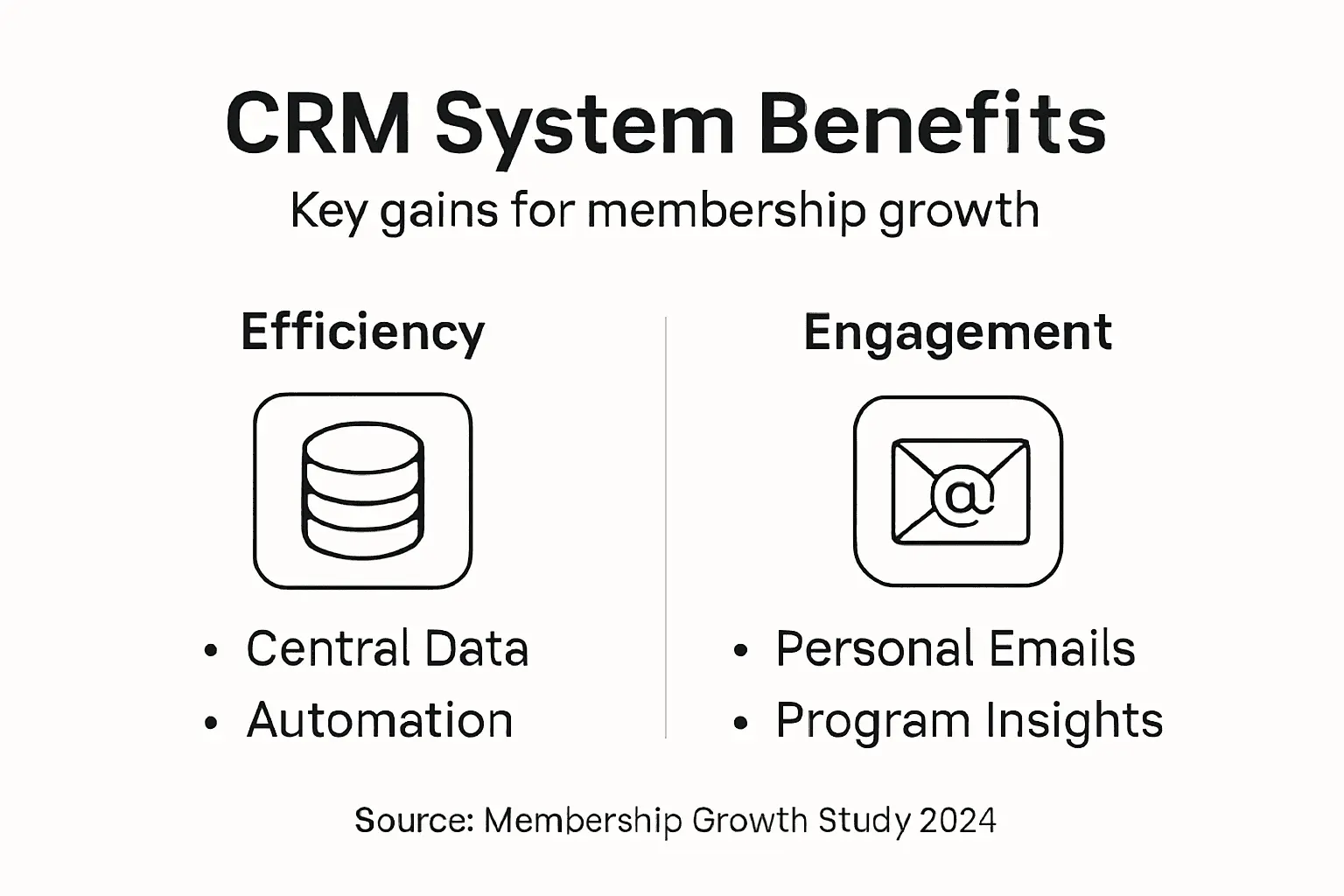
Centralising constituent data eliminates the chaos of scattered information. When your donor database lives in one spreadsheet, volunteer records in another, and event registrations nowhere systematically recorded, critical context disappears. A CRM unifies everything. Your team knows instantly that Marcus donated £500 three years ago, volunteered at four events last year, and has never attended your workshops. That single view transforms how you approach member cultivation.
Automating administrative tasks returns hours to your team each week. Thank you emails send automatically after donations. Renewal reminders go out on schedule without manual checking. Volunteer assignment notifications deploy without someone manually copying names. These small automations compound into genuine time savings that let your small team accomplish what previously required twice as many people.
Personalised communication strategies build stronger relationships. Rather than generic newsletters reaching everyone identically, you send targeted messages to specific cohorts. New members receive orientation content. Lapsed donors see re-engagement campaigns. Active volunteers get opportunities aligned with their interests. This specificity demonstrates you genuinely know your members, not that you view them as a faceless crowd.
Data-driven decision-making replaces guesswork. Which programmes drive retention? Which communication channels work best? Which volunteer roles have highest satisfaction? Your CRM reveals these patterns, letting you allocate limited resources where they genuinely matter.
Improved fundraising efficiency comes from understanding donor behaviour. You track what interests particular donors, when they typically give, and what recognition they prefer. This intelligence transforms fundraising from blind requests into informed conversations.
Pro tip: Start by measuring your team’s time spent on administrative work (data entry, sending reminders, copying information between systems) for one week, then compare that to projected time savings from CRM automation to quantify your actual return on investment.
Automation, Integration, and Data Security Factors
Three technical factors determine whether a CRM actually delivers value or becomes a liability: automation capabilities, integration functionality, and data security. Get these right, and your CRM becomes your operational engine. Get them wrong, and you’re managing risk rather than members.
Automation eliminates repetitive work that consumes staff time without creating member value. When someone registers for an event, automation triggers a confirmation email, adds them to the event roster, and flags their membership status for renewal checking. When a donation arrives, thank-you emails deploy automatically, donation records update, and annual giving totals recalculate. These workflows run silently in the background, removing manual steps that staff previously handled individually.
Without automation, your team drowns in administrative tasks. With it, they focus on member relationships and programme delivery instead. The difference between a CRM that works and one that sits unused often comes down to whether automation handles your most time-consuming processes.
Integration connects your CRM to other essential tools. Your email marketing platform needs member data. Your event registration system must feed attendance into member profiles. Your accounting software requires donation information. CRM integration security ensures these connections protect data whilst reducing manual data transfer between systems. Secure integrations use authentication protocols, encrypt data in transit, and maintain audit logs of what information moves where.
Without proper integration, information siloes reappear. Your team manually exports data from the CRM, pastes it into email tools, and re-enters information into accounting software. Each manual step introduces errors and consumes time.
Data security protects member trust. Multi-factor authentication, role-based access controls, and end-to-end encryption ensure only authorised staff access sensitive information and that data remains protected from unauthorised access. GDPR compliance, regular backups, and security audits form your defensive perimeter.
Members entrust you with personal information, donation history, and participation records. A data breach damages your reputation and potentially violates regulations. Security isn’t optional. It’s foundational.
The table below summarises the key technical factors affecting CRM effectiveness:
| Factor | Description | Why It Matters |
|---|---|---|
| Automation | Streamlines repetitive member management | Saves staff time, boosts consistency |
| Integration | Connects CRM to email, events, accounting | Reduces errors, avoids data siloes |
| Data security | Protects sensitive member and donor data | Maintains trust, ensures compliance |
Pro tip: Before selecting a CRM, request their security certifications, ask specifically about their encryption methods for data in transit and at rest, and verify they maintain automated backup systems independent from your primary database.
Common Pitfalls and How to Avoid Them
CRM implementations often fail not because the technology is weak, but because organisations approach adoption poorly. Understanding these pitfalls prevents expensive mistakes that waste budget and frustrate your team.
Poor data quality sabotages everything downstream. If member records contain duplicate entries, incomplete information, or outdated contact details, your CRM becomes unreliable. Automations trigger on bad data. Reports show incorrect patterns. Staff lose confidence in the system. Prevent this by establishing data management protocols before implementation. Define what information you collect, who enters it, and how often you validate it. Clean your existing data thoroughly before migration rather than importing garbage that will haunt you for years.
Overcomplicating customisations creates maintenance nightmares. You can configure a CRM to do almost anything, but that doesn’t mean you should. Some organisations build elaborate custom workflows that only one person understands, creating dependency on that single staff member. When they leave, nobody can troubleshoot problems. Start simple. Use the CRM’s standard features first. Add complexity only when the basic system genuinely cannot handle your specific need.
Choosing the wrong CRM for your organisation wastes time and money. Common CRM adoption pitfalls include poor data quality, inadequate stakeholder engagement, and selecting solutions that don’t fit your actual workflow. Avoid this by involving your team early. Let event coordinators, fundraisers, and administrators test shortlisted systems before purchase. Their frontline perspective reveals whether a platform genuinely serves your operations or merely looks good in demos.
Insufficient training and change management causes adoption failure. Your team needs proper instruction on how to use the new system, not just a quick orientation. Beyond training, implementation mistakes often stem from unclear goals and neglecting change management. People resist change when they don’t understand why it matters. Communicate the benefits clearly. Show how the CRM makes their jobs easier, not harder. Celebrate early wins to build momentum.
Lack of executive sponsorship dooms initiatives. Without leadership commitment, CRM projects stall when obstacles emerge. Your executive leadership must actively support the project, allocate adequate resources, and hold teams accountable for adoption.
Pro tip: Schedule a full data audit before selecting your CRM to understand exactly what information you currently have, how it is structured, and what cleansing work will be required, allowing you to choose a platform that handles your actual data situation rather than an ideal scenario.
Unlock Membership Growth with a CRM Tailored to Your Needs
Struggling with fragmented member data and time-consuming manual tasks can hold back your organisation’s potential to grow and engage effectively. This article highlighted key challenges such as automating communications, centralising data for a 360-degree member view and harnessing insights through analytics — all vital for transforming member relationships from generic to truly personal.
At Colossus Systems, we understand these pain points and deliver a comprehensive, customisable SaaS platform designed specifically for membership groups, associations and nonprofits. Our solution seamlessly integrates CRM, event management, virtual training and email marketing to streamline your workflows, automate key processes like renewals and registrations and provide actionable analytics. You no longer need to juggle multiple tools or struggle with poor data quality.
Experience the difference that a powerful all-in-one platform can make. Take control of your member engagement, simplify operations and unlock growth opportunities today.

Ready to elevate your membership management and grow your organisation more efficiently? Visit our Contact Page to connect with our experts and discover tailored solutions that fit your unique needs. Learn more about how a CRM designed for membership growth can transform your operations and create stronger member relationships. Don’t wait — empower your team with Colossus Systems now.
Frequently Asked Questions
What is a CRM system and how does it benefit membership organisations?
A CRM system centralises member data and streamlines interactions, allowing organisations to manage registrations, communications, and events efficiently. It enhances relationship building by providing a holistic view of member engagement, ultimately driving membership growth.
How does a CRM system automate routine tasks for member organisations?
CRMs automate tasks like sending confirmation emails for event registrations, reminder notices for membership renewals, and targeted communications based on member behaviour, freeing staff to focus on personal interactions and relationship-building.
What are the different types of CRM solutions available for membership groups?
CRM solutions typically fall into three categories: off-the-shelf solutions for simple needs, customisable platforms for more specific workflows, and enterprise solutions for large, complex organisations. Each type has its benefits and limitations, depending on the organisation’s size and requirements.
How can data analytics in a CRM system support decision-making for member growth?
Data analytics in a CRM system provide insights into member engagement patterns, highlighting effective programmes and channels for communication. This information enables organisations to make informed decisions that enhance retention and recruitment strategies.
Recommended
- What Is a CRM System? Guide for Membership Groups 2025|CS
- Integrating Your Website into a Membership CRM to Enhance Engagement |CS
- What Is CRM Software? Examples for Member Groups | Colossus Systems
- Membership CRM | Colossus Systems
- Tarifs et Abonnements | ENGAGE
- Mejores sistemas registro participantes ciclismo 2025 – Comparativa experta - Blog Ciclista