Membership directory benefits for stronger organisations

TL;DR:
- Active management of membership directories enhances engagement, retention, and operational efficiency.
- Modern cloud-based directories integrate with CRMs, offering search, privacy controls, and analytics.
- Ongoing maintenance and strategic use turn directories into vital community engagement tools.
Most membership organisations treat their directory as a digital contact sheet, something to publish once and revisit only when a member complains their phone number is wrong. That mindset costs organisations dearly. Research consistently shows that associations with actively managed, searchable directories report stronger member retention, higher event participation, and more efficient administration than those with static listings. This guide moves beyond the basics. You will learn exactly what a modern membership directory does, why it matters strategically, how to overcome the real challenges of launching and maintaining one, and what best practices separate high-performing organisations from those leaving value on the table.
Table of Contents
- What is a membership directory and how does it work?
- Top benefits membership directories deliver to organisations
- Common challenges: what to expect and how to address them
- Best practices for maximising membership directory value
- Why most organisations underuse their membership directory
- Ready to unlock your directory’s full potential?
- Frequently asked questions
Key Takeaways
| Point | Details |
|---|---|
| Directories drive engagement | A modern membership directory is a practical tool for boosting member interaction and network value. |
| Integration prevents headaches | Linking directories to your CRM and planning for data maintenance avoids common synchronisation and duplication issues. |
| Ongoing management is key | Continual updating and member involvement are essential for keeping directories relevant and valuable. |
| Security must be a priority | Protect member data with privacy controls and regular reviews as part of directory practice. |
What is a membership directory and how does it work?
A membership directory is a structured, searchable database of your members’ profiles, made accessible to authorised users within your organisation or the broader membership community. It is far more than a list of names and email addresses. A well-built directory includes customisable profile fields, role-based access controls, and search filters that allow members to find colleagues by location, expertise, or membership tier.
Directories come in several forms. Private directories are visible only to current members, making them ideal for professional associations that value exclusivity. Public directories allow anyone to search listings, which suits organisations that want to showcase member expertise to the wider world. There are also hybrid models, where basic profiles are public but detailed contact information remains gated behind a login.
Modern cloud-based directories integrate directly with your CRM (customer relationship management system), meaning member data flows automatically between platforms. When a member updates their profile, that change propagates across your communications, event registrations, and payment records without manual intervention. This is where membership software for nonprofits and associations delivers real operational efficiency.
However, data sync issues with legacy CRMs and incomplete profiles can reduce directory value significantly. Understanding membership management basics before you configure your directory prevents costly rework later.
Basic vs. advanced directory functions:
- Basic: name, email, membership status, join date
- Intermediate: searchable custom fields, profile photos, social links
- Advanced: CRM sync, privacy controls, member self-editing, analytics, event cross-linking
| Feature | Manual/print | Legacy system | Modern cloud-based |
|---|---|---|---|
| Search functionality | None | Limited | Full, filterable |
| CRM integration | None | Partial | Seamless, automated |
| Member self-editing | Not possible | Rare | Standard |
| Privacy controls | None | Basic | Granular, role-based |
| Analytics | None | None | Real-time dashboards |
| Update frequency | Annually | Quarterly | Continuous |
The contrast is stark. A modern cloud-based directory is a living asset, not a publication.
Top benefits membership directories deliver to organisations
Once you understand what a directory is, the question becomes: what does it actually do for your organisation? The answer goes well beyond convenience.
Searchable, interactive directories make members more accessible to one another. When a member can filter by specialism, region, or interest, they find relevant connections faster. That ease of connection drives networking, collaboration, and ultimately, the sense of belonging that keeps members renewing year after year. Pairing your directory with core membership software features amplifies this effect considerably.

From an administrative perspective, directories streamline renewals, event management, and targeted communications. Rather than manually segmenting a spreadsheet before every email campaign, your team pulls a filtered list directly from the directory. Time saved on administration is time reinvested in member experience.
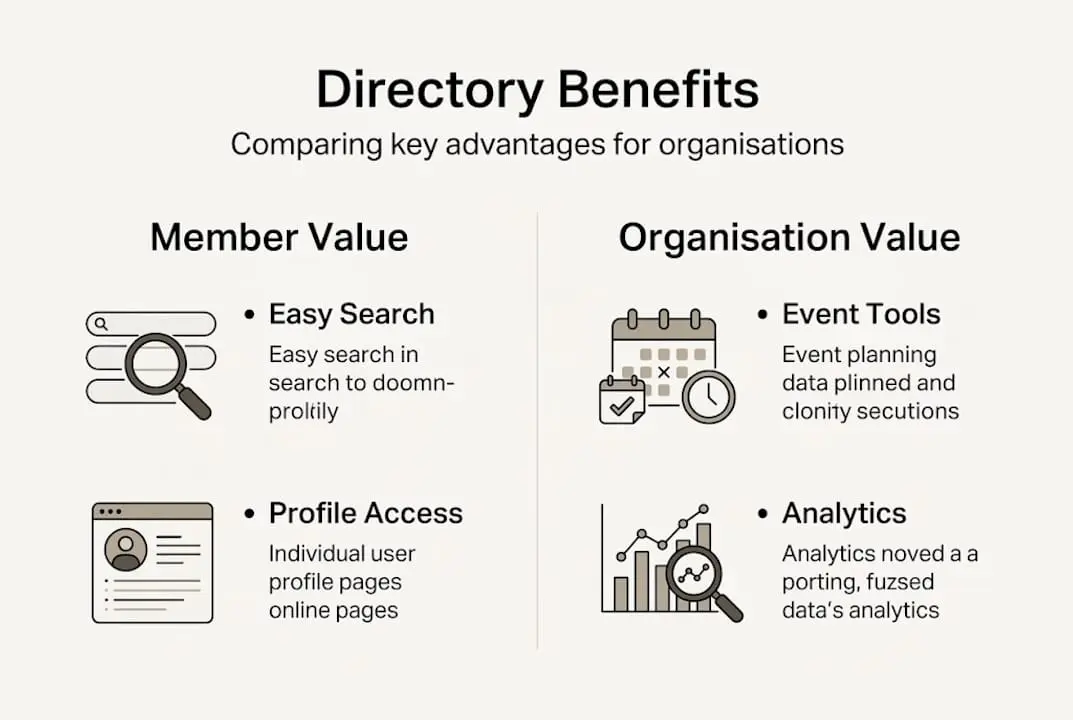
Leaders also gain actionable analytics. You can see which profiles are viewed most, which search terms members use, and which segments are least engaged. This data informs programming decisions and helps you identify at-risk members before they lapse. Efficient membership data management turns raw directory activity into strategic intelligence.
Directories also build institutional trust. When members see a well-maintained, professional directory, they perceive the organisation as credible and worth their investment. Some associations even use directory listings as a fundraising incentive, offering enhanced profiles as a benefit of higher membership tiers.
As directories expose gaps and inefficiencies, leaders should plan for ongoing maintenance before launch, not after.
The top five benefits of a well-managed membership directory:
- Increased member engagement through easy peer discovery and networking
- Administrative efficiency via automated data sync and segmentation
- Improved retention because members feel connected and valued
- Enhanced organisational credibility and trust
- New partnership and sponsorship opportunities through visible member expertise
Directory vs. basic contact list:
| Capability | Basic contact list | Membership directory |
|---|---|---|
| Searchable by criteria | No | Yes |
| Member self-service | No | Yes |
| Integrated with CRM | No | Yes |
| Drives engagement | Minimal | Significant |
| Supports analytics | No | Yes |
Pro Tip: Design your directory structure around your organisation’s strategic goals, not just as a place to store contact details. If networking is your priority, invest in rich profile fields and advanced search filters from day one.
Common challenges: what to expect and how to address them
Knowing the benefits is only half the picture. The organisations that struggle with directories almost always underestimate the operational complexity of launching and sustaining one.
Data migration from legacy systems is the most frequent pain point. Older databases often contain duplicate records, inconsistent formatting, and missing fields. Importing this data directly into a new directory without cleaning it first creates a poor member experience from launch day. Investing time in data validation before migration is non-negotiable.
Other common challenges include:
- Incomplete member profiles that reduce searchability and perceived value
- Privacy concerns from members uncertain about who can see their information
- Staff training gaps that lead to inconsistent data entry and poor maintenance
- High membership turnover in some sectors, which demands robust update processes
- Members who do not engage with self-editing tools, leaving profiles outdated
A practical CRM integration strategy addresses many of these issues by automating data flows and reducing manual entry errors.
“Edge cases such as ego searches post-launch require thorough data cleanup processes, and high-turnover memberships need robust maintenance to remain accurate and credible.”
Post-launch behaviour can also surprise leaders. Some members will search for their own profiles immediately after launch, checking how they appear to others. If profiles are incomplete or incorrectly formatted, this creates a negative first impression. Thorough testing and a soft-launch period for a subset of members helps catch these issues before full rollout.
For organisations with frequent member changes, managing member data proactively is essential. Automated reminders that prompt members to review and update their profiles at renewal time are one of the most effective tools available.
Pro Tip: Schedule quarterly directory audits and send member self-edit reminders at least twice per year. Pair these with a short incentive, such as a profile completion badge or enhanced visibility, to drive participation.
Best practices for maximising membership directory value
Understanding the challenges sets the stage for concrete solutions. The organisations that consistently extract the most value from their directories follow a disciplined, proactive approach.
Before launch, data quality and maintenance planning are essential. Establish a single source of truth for member data, validate all records against that source, and remove duplicates before importing anything into your new directory. This preparation work pays dividends for years.
Best practice steps for a successful directory:
- Audit existing member data for completeness, accuracy, and duplicates
- Train staff on data entry standards and directory management protocols
- Communicate the directory’s value to members before launch to build buy-in
- Implement granular privacy settings so members feel in control of their information
- Review directory performance quarterly and adjust features based on usage data
Once live, focus on engagement. Cross-link your directory with event registrations so attendees can discover fellow participants before and after events. Use your directory segments to personalise email communications, making members feel seen rather than mass-marketed to.
Features to configure from the outset:
- Custom profile fields aligned to your members’ professional identities
- Advanced search and filter tools covering location, expertise, and membership tier
- Privacy options that let members control their own visibility
- Integration with your CRM and event management tools
- Analytics dashboards to monitor profile views and search behaviour
Building a member feedback loop is equally important. Ask members periodically what they want from the directory, what they cannot find, and what would make it more useful. This intelligence shapes your roadmap and signals to members that their input matters. Solid membership database essentials underpin all of this, while robust member data security basics ensure that trust is never compromised.
Why most organisations underuse their membership directory
Here is an uncomfortable truth: most organisations launch a directory, celebrate the milestone, and then treat it as finished. The ‘set-and-forget’ mindset is the single biggest reason directories fail to deliver on their promise.
A directory is not a publication. It is a community engagement hub that requires active management, regular promotion, and strategic alignment with your broader member experience. The organisations that see outsized results treat their directory as a living product with a roadmap, not a feature that was ticked off a project list.
What do leading organisations do differently? They connect directory activity to events, communications, and renewal workflows. They celebrate members with complete profiles. They use directory analytics to identify disengaged segments and act on that intelligence quickly. They promote the directory in onboarding sequences so new members understand its value from day one.
As one implementation expert noted, ongoing engagement and maintenance are what separate directories that members actually use from those they ignore. Bold thinking reframes your directory from a back-office tool into the centrepiece of your member community.
Ready to unlock your directory’s full potential?
If this guide has shown you anything, it is that a well-managed membership directory is one of the highest-return investments your organisation can make. The difference between a directory that sits idle and one that drives real engagement often comes down to the tools and support behind it.

At Colossus Systems, we have built our platform specifically for organisations like yours. Our membership management features include seamless CRM integration, customisable member profiles, advanced search tools, and real-time analytics, all within a single platform. Our CRM software ensures your directory data stays accurate and actionable without manual effort. If you are ready to transform your directory into a genuine community asset, speak with an expert today and see what is possible.
Frequently asked questions
What types of organisations benefit most from a membership directory?
Associations, clubs, charities, and professional bodies of all sizes increase engagement and operational efficiency with a well-designed, actively managed directory.
How do directories improve member engagement?
Searchable, interactive directories make it easier for members to connect, collaborate, and participate, which boosts engagement across all organisational activities.
What security concerns should be considered?
Data privacy, user access control, and regular updates are essential; member data security practices ensure sensitive information is protected and members retain confidence in your organisation.
How do you keep a directory up to date with membership changes?
Automated syncs with your CRM and regular member update requests keep data accurate; organisations with high turnover particularly benefit from scheduled reminders and self-editing tools.