Master Email Etiquette for Students: Professional Communication

Nearly 60 percent of college students admit their emails lack a professional tone, causing missed opportunities with British and international contacts. In a world where first impressions often happen through a screen, learning to write impactful emails matters more than ever for university organization members. This guide highlights concrete steps to master professional email communication, helping you project credibility and build meaningful academic and career connections.
Table of Contents
- Step 1: Set Up A Professional Email Account
- Step 2: Craft A Clear And Relevant Subject Line
- Step 3: Structure Your Email For Maximum Clarity
- Step 4: Use Proper Salutations And Language
- Step 5: Review And Proofread Before Sending
Quick Summary
| Key Insight | Explanation |
|---|---|
| 1. Create a professional email | Use an email associated with your university for credibility and professional image. |
| 2. Write clear subject lines | Ensure your subject line is informative and reflects the email’s purpose to gain attention. |
| 3. Structure for clarity | Organise your email into sections with a clear introduction, main points, and conclusion. |
| 4. Use proper salutations | Start emails with appropriate formal greetings to ensure respect and professionalism. |
| 5. Proofread before sending | Carefully review your email for errors and clarity to demonstrate attention to detail. |
Step 1: Set up a professional email account
Creating a professional email account is your gateway to building a credible academic and professional identity. Your email address will be one of the first impressions people have of you in digital communications.
Start by selecting a reliable email service with institutional credentials. If you are a university student, your institution will typically provide an official email address that combines your name with the university domain. This approach immediately signals professionalism. For instance, use formats like firstname.lastname@university.ac.uk or studentID@university.edu.
When creating your account, choose a username that is straightforward and professional. Avoid nicknames, birth years, or random number combinations. Stick to variations of your actual name such as ‘johnsmith’ or ‘sarah.jones’. Many universities now offer custom email domains for enhanced credibility, which automatically make your communications look more official.
Ensure you set up robust security measures like two-factor authentication and a strong password. Your university’s IT department can assist with this process if you encounter any challenges.
Below is a summary of the main security and credibility benefits of using a professional university email account:
| Benefit | Description |
|---|---|
| Credibility | Signals genuine academic affiliation |
| Enhanced Security | Access to two-factor authentication and IT support |
| Consistent Branding | Ensures all communications appear professional |
| Official Notifications | Receive timely uni-related info and alerts |
| Access to University Tools | Unlocks library databases and academic resources |
Expert Recommendation: Always use your professional email consistently for academic and job-related communications to maintain a cohesive personal brand.
Step 2: Craft a clear and relevant subject line
Crafting an effective email subject line is crucial for ensuring your message gets noticed and read promptly. Your subject line serves as the first point of communication and can determine whether your email receives immediate attention.
When composing your subject line, focus on concise professional communication. Include specific details that instantly convey the purpose of your email. For academic communications, this might mean incorporating course numbers, specific project names, or precise meeting requests. For example, instead of writing ‘Hi’ or ‘Question’, use subject lines like ‘BIOL 305 Research Paper Consultation Request’ or ‘Undergraduate Research Project Proposal Submission’.
The most effective subject lines are clear, direct, and informative. They should provide an immediate snapshot of the email’s content. Professional communication strategies recommend including keywords that highlight urgency, relevance, or specific context. If you are requesting a meeting, include potential time frames. If you are following up on a previous conversation, reference that discussion succinctly.
Remember that professors and professionals receive numerous emails daily. A well structured subject line increases the likelihood of your message being read and responded to quickly. Your goal is to make your communication as straightforward and professional as possible.
Expert Recommendation: Draft your subject line after completing your email to ensure it accurately reflects the content and purpose of your message.
Step 3: Structure your email for maximum clarity
Communicating effectively through email requires careful organisation and strategic writing. Your goal is to craft a message that is immediately comprehensible and professionally presented.
Begin by developing a clear email structure that prioritises your primary message. Start with a professional salutation addressing the recipient by their appropriate title and last name. If this is your first interaction, briefly introduce yourself in the opening sentence. Place your main purpose or request prominently in the first paragraph to ensure immediate understanding.

When presenting complex information, break down your content into logical sections. Professional communication techniques recommend using short paragraphs or bullet points to enhance readability. If you are discussing multiple topics, consider numbering your points or using clear subheadings. This approach helps the recipient quickly grasp the key information without feeling overwhelmed by dense text.
Your concluding paragraph should summarise your key request or point, and include a clear call to action. Specify any deadlines, required responses, or next steps. End with a courteous closing and your full name, ensuring your contact details are visible.
Expert Recommendation: Always proofread your email for clarity and concision before sending, removing any unnecessary words or ambiguous statements.
Step 4: Use proper salutations and language
Mastering professional communication requires understanding the nuanced art of email etiquette. Your choice of words and tone can significantly impact how your message is received and interpreted.
Begin by selecting appropriate professional greetings that demonstrate respect and formality. When emailing faculty or professionals you do not know well, use titles such as Professor, Doctor, or Mr./Ms. followed by their last name. For instance, write ‘Dear Professor Smith’ or ‘Good morning Dr. Williams’ instead of casual greetings like ‘Hey’ or ‘Hi there’. If you are unsure of the recipient’s gender or preferred title, use their full name or seek guidance from departmental resources.
Professional communication strategies emphasise maintaining a courteous and clear tone throughout your correspondence. Avoid slang, text message abbreviations, excessive punctuation, or attempts at humour that might be misinterpreted. Your language should be direct, respectful, and grammatically precise. Write in complete sentences, use standard spelling, and proofread to eliminate any potential misunderstandings.
Consciously craft your closing as carefully as your opening. Professional sign offs like ‘Sincerely’, ‘Best regards’, or ‘Kind regards’ followed by your full name create a polished final impression. Include your contact information and academic affiliation if relevant to provide context and credibility.
Expert Recommendation: Read your email aloud before sending to ensure your tone sounds professional and your message is crystal clear.
Step 5: Review and proofread before sending
The final step in professional email communication is ensuring your message is polished, precise, and error-free. A carefully reviewed email demonstrates your attention to detail and commitment to clear communication.
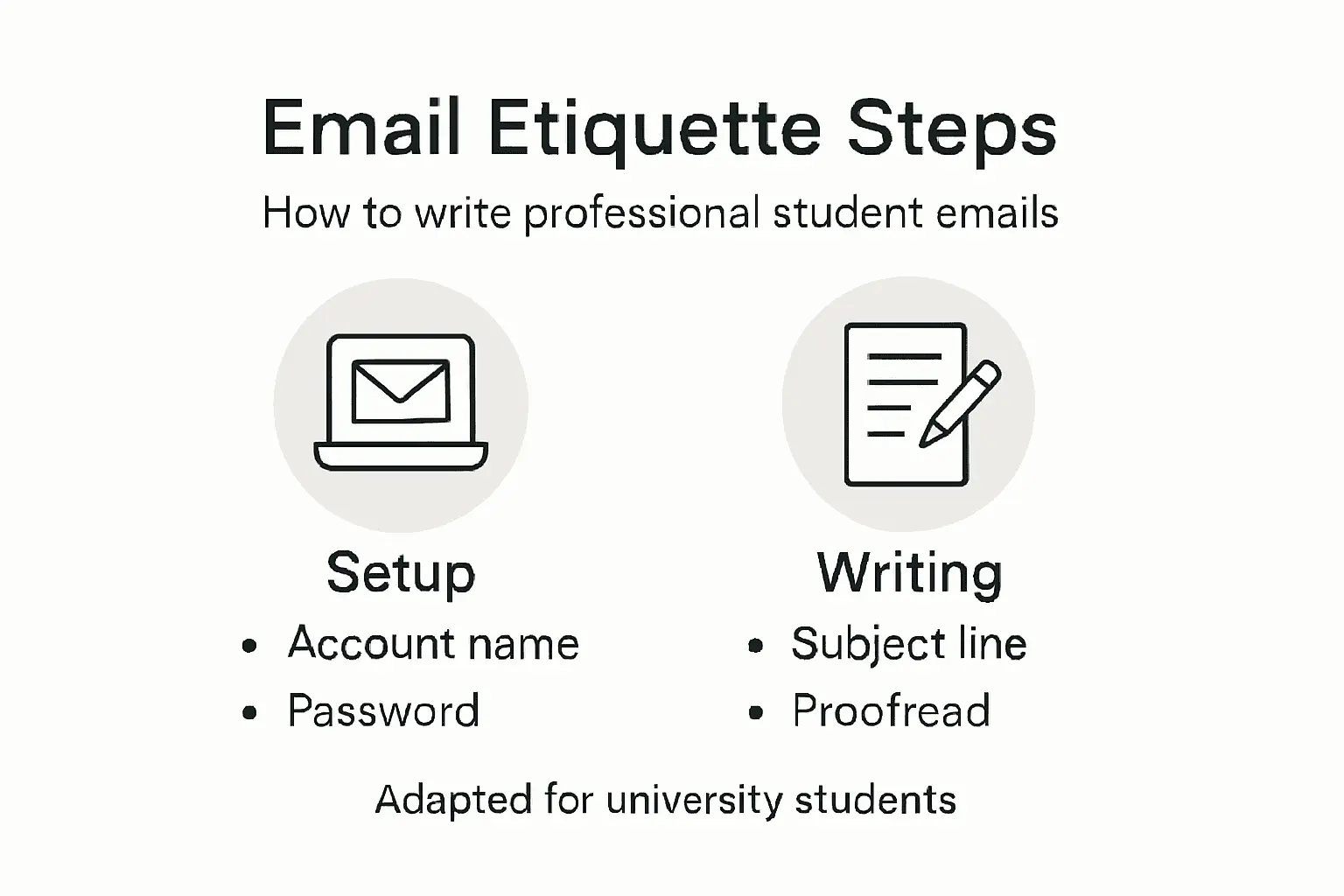
Effective proofreading techniques involve multiple layers of review. Begin by reading your email slowly and carefully, ideally aloud. This approach helps you catch awkward phrasing, grammatical errors, and unintended tone. Pay close attention to spelling, punctuation, and sentence structure. Look for unnecessary words or overly complex sentences that might confuse your reader.
Academic email review strategies recommend creating a systematic checklist for your final review. Verify the recipient’s name and email address to prevent accidental misdirection. Check any attachments to ensure they are the correct files and actually uploaded. Confirm that your tone remains professional and your message clearly communicates its intended purpose. If possible, wait a short time after writing before proofreading to approach your email with fresh eyes.
Consider asking a trusted peer or academic mentor to review particularly important emails if you are unsure about the tone or content. Their objective perspective can help identify potential misunderstandings or areas for improvement.
Expert Recommendation: Create a personal proofreading ritual that becomes second nature each time you prepare to send a professional email.
Here is a quick reference comparing effective and ineffective email elements:
| Email Aspect | Effective Example | Ineffective Example |
|---|---|---|
| Email Address | firstname.lastname@university.ac.uk | coolguy1999@hotmail.com |
| Subject Line | Dissertation Meeting Request | Just a question |
| Salutation | Dear Dr. Patel | Hey there |
| Main Body Structure | Introduction, purpose, clear request | No greeting, vague request |
| Closing | Kind regards, John Smith | Later, John |
| Proofreading | Error-free, concise, polite tone | Typos, slang, rambling content |
Enhance Your Professional Communication and Organisational Growth with Colossus Systems
Mastering professional email etiquette is essential for students aiming to make strong, credible impressions. Challenges like crafting clear subject lines, maintaining consistent communication, and ensuring error-free messages demand both skill and the right tools. When managing multiple contacts and event invitations, your organisation’s growth depends on streamlined communication that reflects the same professionalism taught in “Master Email Etiquette for Students: Professional Communication”.
Colossus Systems offers a powerful solution designed to consolidate your member communications, event management, and email marketing all in one platform. Benefit from features that help you:
- Maintain consistent, branded messages to enhance credibility
- Automate event invitations and follow-ups with clear, effective templates
- Personalise outreach to engage your community using advanced CRM functions

Take control of your communication strategy today. Whether you are managing student groups, membership organisations, or professional networks, contact us now to discover how Colossus Systems can help you send emails that resonate with clarity and professionalism while growing your organisation efficiently. Don’t let unclear messages or disorganised outreach hold back your success. Learn more at Colossus Systems and step into a seamless future of member engagement.
Frequently Asked Questions
How do I create a professional email account as a student?
To create a professional email account, start by using your university’s provided domain, which typically combines your name with the university domain. Select a straightforward username, like your first and last name, and ensure you enable strong security measures such as two-factor authentication.
What should I include in the subject line of my academic emails?
Your academic email’s subject line should be clear and relevant, immediately conveying the email’s purpose. For instance, instead of a vague subject like “Hi,” use something specific like “BIOL 305 Research Paper Consultation Request” to ensure your email is noticed promptly.
How can I structure my email for maximum clarity?
To structure your email clearly, start with a professional salutation, introduce yourself, and state your purpose in the first paragraph. Break down complex information into manageable sections or bullet points to enhance readability, and conclude with a clear call to action and your final thoughts.
What kind of language should I use in a professional email?
In a professional email, use formal salutations and a respectful tone throughout your message. Avoid slang and casual language, opting for direct and grammatically correct sentences that remain polite but clear, to ensure your communication is taken seriously.
How can I ensure my email is free of errors before sending?
To ensure your email is error-free, carefully proofread it by reading slowly and aloud, checking for typos and awkward phrasing. Consider creating a personal proofreading checklist that you follow each time to maintain attention to detail in your communications.
Why is it important to use a professional email consistently?
Using a professional email consistently helps maintain a cohesive personal brand and strengthens your academic and professional identity. By always communicating through your official email account, you build credibility and provide a consistent point of contact that others can trust.