Hybrid Meeting Tips for Boosting Member Engagement Effectively
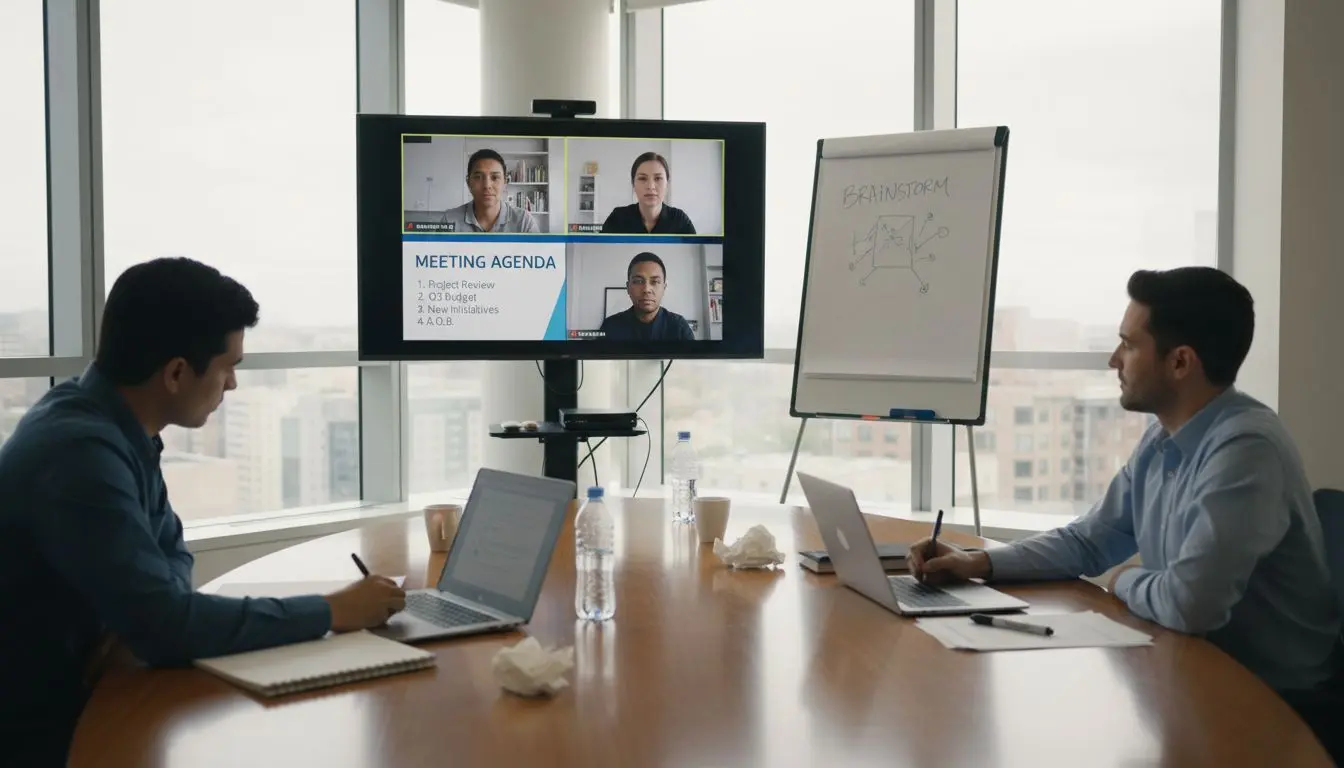
More than half of british event coordinators admit that managing hybrid meetings with high engagement is challenging. Membership-based organizations worldwide share similar concerns, as balancing technology, logistics, and interactivity demands fresh solutions for both in-room and remote participants. This guide dives into practical strategies to help coordinators create hybrid experiences where every attendee feels connected, valued, and able to contribute, regardless of their location.
Table of Contents
- Stage 1: Plan Hybrid Meeting Logistics And Technology
- Stage 2: Set Up Interactive Tools And Digital Resources
- Stage 3: Facilitate Inclusive Participation And Engagement
- Stage 4: Monitor Attendee Experience And Resolve Issues
- Stage 5: Evaluate Meeting Success And Gather Feedback
Quick Summary
| Key Insight | Clear Explanation |
|---|---|
| 1. Choose Robust Technology | Select video conferencing platforms with features that encourage real-time collaboration between all participants. |
| 2. Utilise Interactive Tools | Incorporate tools like live polls and Q&A sessions to foster engagement and dynamic participation during meetings. |
| 3. Ensure Inclusivity | Designate advocates for remote participants and implement protocols to give equal speaking opportunities to everyone. |
| 4. Monitor Experiences Actively | Assign a moderator to oversee interactions and resolve any emerging technical or communication issues during the meeting. |
| 5. Gather Comprehensive Feedback | Use structured surveys and AI summaries to evaluate meeting success and identify areas for improvement. |
Stage 1: Plan hybrid meeting logistics and technology
Planning the logistics and technology for a hybrid meeting requires strategic thinking and careful preparation to ensure seamless participation for both in-person and remote attendees. By selecting the right technological infrastructure and understanding spatial requirements, you can create an inclusive environment that maximises engagement.
The core of successful hybrid meetings lies in choosing robust video conferencing platforms that support simultaneous interaction between physical and virtual participants. Look for tools with features like screen sharing, real-time chat, breakout rooms, and high-quality audio visual capabilities. Consider collaborative applications such as Miro or Trello that enable real-time brainstorming and document sharing across different participant locations. Your technology setup should include multiple cameras to capture in-room dynamics, professional microphones to ensure clear audio, and reliable internet connectivity with sufficient bandwidth to support smooth streaming.
Pay close attention to room layout and equipment placement to create an inclusive experience. Position screens where remote participants are clearly visible to in-person attendees, and arrange in-room cameras to provide comprehensive views. Test all technological components thoroughly before the meeting to identify and resolve potential connectivity or compatibility issues.
Here is a summary of essential technologies for successful hybrid meetings:
| Technology | Primary Use | Impact on Participation |
|---|---|---|
| Video conferencing platforms | Connects on-site and remote attendees | Enables real-time, interactive communication |
| Collaborative whiteboards | Visual brainstorming and planning | Encourages shared contribution and idea mapping |
| Professional microphones | Captures high-quality audio | Ensures all voices are heard clearly |
| Multiple cameras | Provides different room perspectives | Enhances inclusivity and engagement |
| Reliable internet | Maintains stable digital connections | Prevents disruptions for virtual participants |
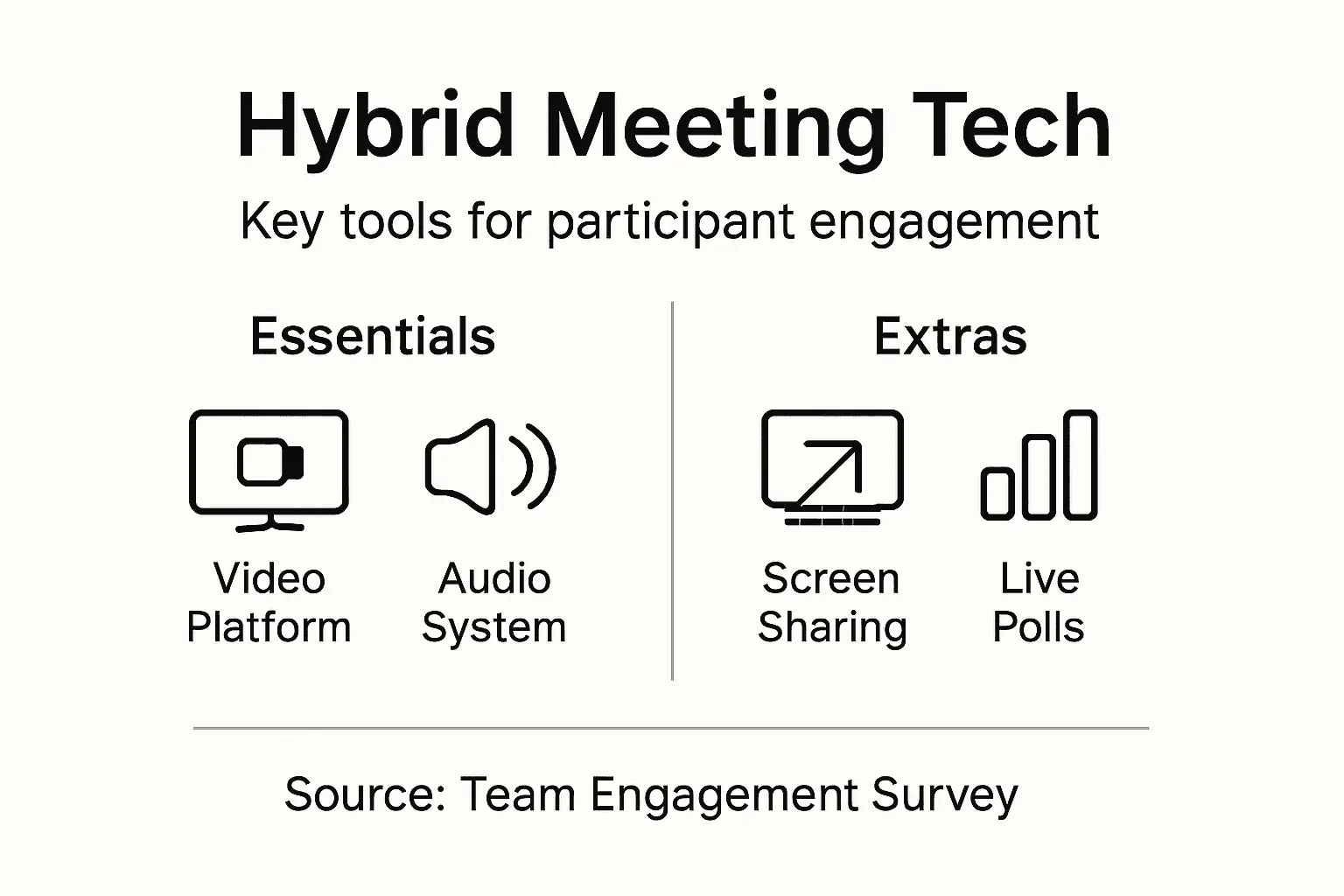
Pro tip: Create a dedicated technical support contact who can quickly troubleshoot any digital connectivity challenges during your hybrid meeting to minimise disruptions.
Stage 2: Set up interactive tools and digital resources
Preparing interactive tools and digital resources is crucial for transforming hybrid meetings from passive information sharing into dynamic collaborative experiences. By strategically selecting and integrating the right digital platforms, you can create an engaging environment that empowers both in-person and remote participants to contribute meaningfully.

Leverage interactive meeting platforms that offer features like live polls, real-time quizzes, word cloud generators, and Q&A sessions. These tools enable instantaneous audience participation, breaking down traditional communication barriers between speakers and attendees. Choose platforms that seamlessly integrate with your existing video conferencing software and provide user friendly interfaces. Platforms such as Slido, Mentimeter, and Kahoot offer customisable designs that can be tailored to your specific meeting objectives, allowing you to create polls, gather instant feedback, and stimulate meaningful dialogue across physical and digital spaces.
Consider implementing collaborative digital resources that support multiple interaction modes. Utilise shared digital whiteboards like Miro or Mural, which allow participants to brainstorm, sketch ideas, and collaborate in real time regardless of their location. Ensure these tools are accessible to all participants by providing clear instructions and potentially conducting a brief tutorial at the start of the meeting to familiarise everyone with the digital environment.
Pro tip: Select interactive tools with mobile compatibility to ensure seamless participation for attendees using smartphones or tablets.
Stage 3: Facilitate inclusive participation and engagement
Creating an inclusive hybrid meeting environment requires intentional strategies that ensure every participant feels valued and heard, regardless of their physical location. The goal is to break down communication barriers and create a seamless collaborative experience that empowers all attendees to contribute meaningfully.
Implement hybrid meeting techniques that actively promote equitable participation. Designate a remote participant advocate who can monitor digital chat channels, relay virtual attendees’ comments, and ensure their perspectives are integrated into discussions. Establish clear communication protocols that give equal speaking time to both in-person and remote participants. This might involve using a structured speaking queue, implementing timed discussion rounds, and using digital tools that allow simultaneous text and verbal contributions.
Structure your meeting environment to minimise technological and social barriers. Position cameras and screens strategically to create a sense of spatial consistency, ensuring remote participants can see and interact with the room as naturally as possible. Use collaborative digital workspaces that allow real-time interaction, such as shared digital whiteboards or collaborative documents where all participants can contribute simultaneously. Encourage active participation by designing interactive elements like live polls, breakout discussion groups, and collaborative problem solving activities that require input from both physical and virtual attendees.
Pro tip: Conduct a brief inclusive participation check midway through the meeting to ensure all participants feel engaged and have had an opportunity to contribute.
Stage 4: Monitor attendee experience and resolve issues
Monitoring hybrid meeting experiences requires proactive strategies to identify and address potential challenges in real-time. Your goal is to create a responsive environment that quickly adapts to participant needs and resolves any disruptions that might compromise engagement or communication.
Employ systematic problem-solving techniques to track meeting dynamics and participant experiences. Assign a dedicated meeting moderator responsible for monitoring audio visual quality, managing participant interactions, and swiftly addressing technical or communication challenges. Establish multiple communication channels including chat functions, verbal check-ins, and digital feedback mechanisms to ensure participants can easily report issues or express concerns. Pay close attention to signs of unequal participation, technical glitches, or communication barriers that might prevent remote or in-person attendees from fully engaging.
Utilise real-time monitoring tools and feedback systems that provide immediate insights into meeting effectiveness. Consider implementing short pulse surveys during the meeting, tracking participant interaction metrics, and maintaining an open communication protocol that allows attendees to provide instant feedback. Develop a quick response workflow where technical support and meeting facilitators can rapidly troubleshoot and resolve any emerging challenges. This might involve having backup communication platforms, alternative connection methods, and clear escalation procedures for addressing more complex issues.
Pro tip: Create a brief post-meeting feedback template that captures specific insights about technological performance and participant experience to continuously improve your hybrid meeting approach.
Stage 5: Evaluate meeting success and gather feedback
Effective evaluation of hybrid meetings requires a comprehensive approach that captures both quantitative and qualitative insights about participant experiences and overall meeting effectiveness. Your objective is to transform each meeting into an opportunity for continuous improvement and strategic refinement.
Implement systematic feedback collection methods that provide nuanced insights into meeting performance. Design post-meeting surveys with targeted questions addressing technological functionality, content relevance, participant engagement, and overall satisfaction. Incorporate both numerical rating scales and open-ended questions to capture detailed perspectives. Utilise AI transcription tools to generate comprehensive meeting summaries, which can help identify key discussion points, participation patterns, and potential areas for future enhancement.
Analyse feedback data systematically to identify recurring themes and actionable improvement opportunities. Compare participant experiences between in-person and remote attendees, examining metrics such as interaction frequency, perceived value, and technical experience. Create a structured feedback review process where meeting organisers can discuss insights, develop improvement strategies, and track progress across multiple events. Consider creating visual dashboards or reports that help stakeholders quickly understand meeting performance and engagement trends.
Below is a comparison of key feedback methods to evaluate hybrid meeting success:
| Feedback Method | Strength | Typical Limitation |
|---|---|---|
| Post-meeting survey | Collects targeted, structured responses | May suffer from low completion rate |
| Real-time pulse survey | Captures immediate impressions | May interrupt meeting flow |
| Open-ended feedback | Allows detailed suggestions | Harder to analyse systematically |
| AI-generated summary | Identifies themes and patterns | May lack nuance of personal experience |
Pro tip: Implement a continuous feedback loop where meeting participants see how their suggestions have been incorporated into future meeting designs.
Enhance Your Hybrid Meetings and Elevate Member Engagement
Hybrid meetings come with unique challenges such as ensuring equal participation, managing seamless technology, and fostering genuine connection between virtual and in-person attendees. If you are striving to overcome barriers like limited interaction or technological disruptions discussed in the article, you need solutions designed specifically for membership organisations to unify and empower your community.
Colossus Systems offers a powerful SaaS platform tailor-made to streamline your member management, event planning, and virtual engagement in one place. With tools engineered to boost collaboration, create interactive experiences, and monitor engagement seamlessly, you can deliver hybrid meetings that truly connect and energise your members. By integrating CRM, email marketing, and e-commerce functionalities, your organisation can not only enhance meeting participation but also grow and monetise your community effectively.

Ready to transform your hybrid meetings into dynamic, inclusive events that foster loyalty and growth? Discover how Colossus Systems can simplify your operational workflows while maximising member engagement. Don’t wait to create a more connected organisation. Reach out to us today at Contact Colossus Systems to start your journey towards effortless hybrid meetings and scalable membership management.
Frequently Asked Questions
How can I ensure all participants feel included during a hybrid meeting?
To ensure all participants feel included, designate a remote participant advocate to relay comments from virtual attendees. Set clear communication protocols that provide equal speaking opportunities, such as using a structured speaking queue.
What are effective tools for encouraging engagement in hybrid meetings?
Utilise interactive tools like live polls, real-time quizzes, and collaborative whiteboards. These platforms can foster participation by allowing both in-person and remote attendees to contribute in real time, enhancing overall engagement within the meeting.
How can I monitor the attendee experience during a hybrid meeting?
Assign a dedicated meeting moderator to monitor audio-visual quality and participant interactions throughout the meeting. Establish multiple communication channels for attendees to report any issues or feedback, which can help maintain engagement and address problems swiftly.
What should I do if technical issues arise during a hybrid meeting?
Keep a dedicated technical support contact on hand to troubleshoot any connectivity challenges. Prepare alternative communication methods to quickly resolve issues, ensuring minimal disruption to the meeting flow.
How can I gather feedback on the effectiveness of a hybrid meeting?
Implement post-meeting surveys with targeted questions about technology functionality and participant experience. Aim to analyse this feedback systematically to identify areas for improvement before your next hybrid meeting.
What steps can I take to continuously improve my hybrid meetings?
Establish a continuous feedback loop where participants can see how their suggestions have been integrated into future meetings. Review feedback data after each event to identify themes for enhancement, aiming to make iterative improvements over time.